Set your password using the link sent to your email
Step 3
Log in & click “my points”
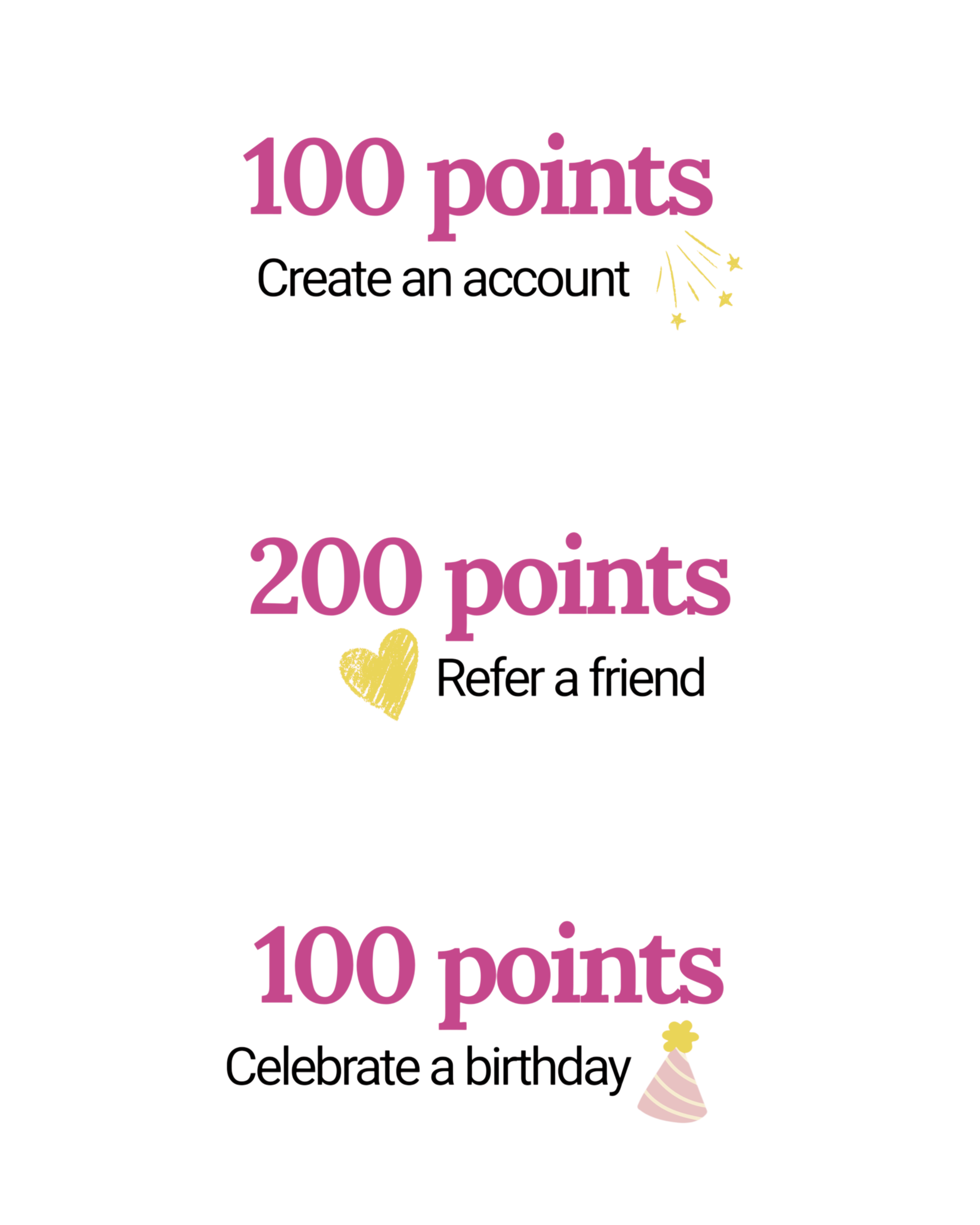
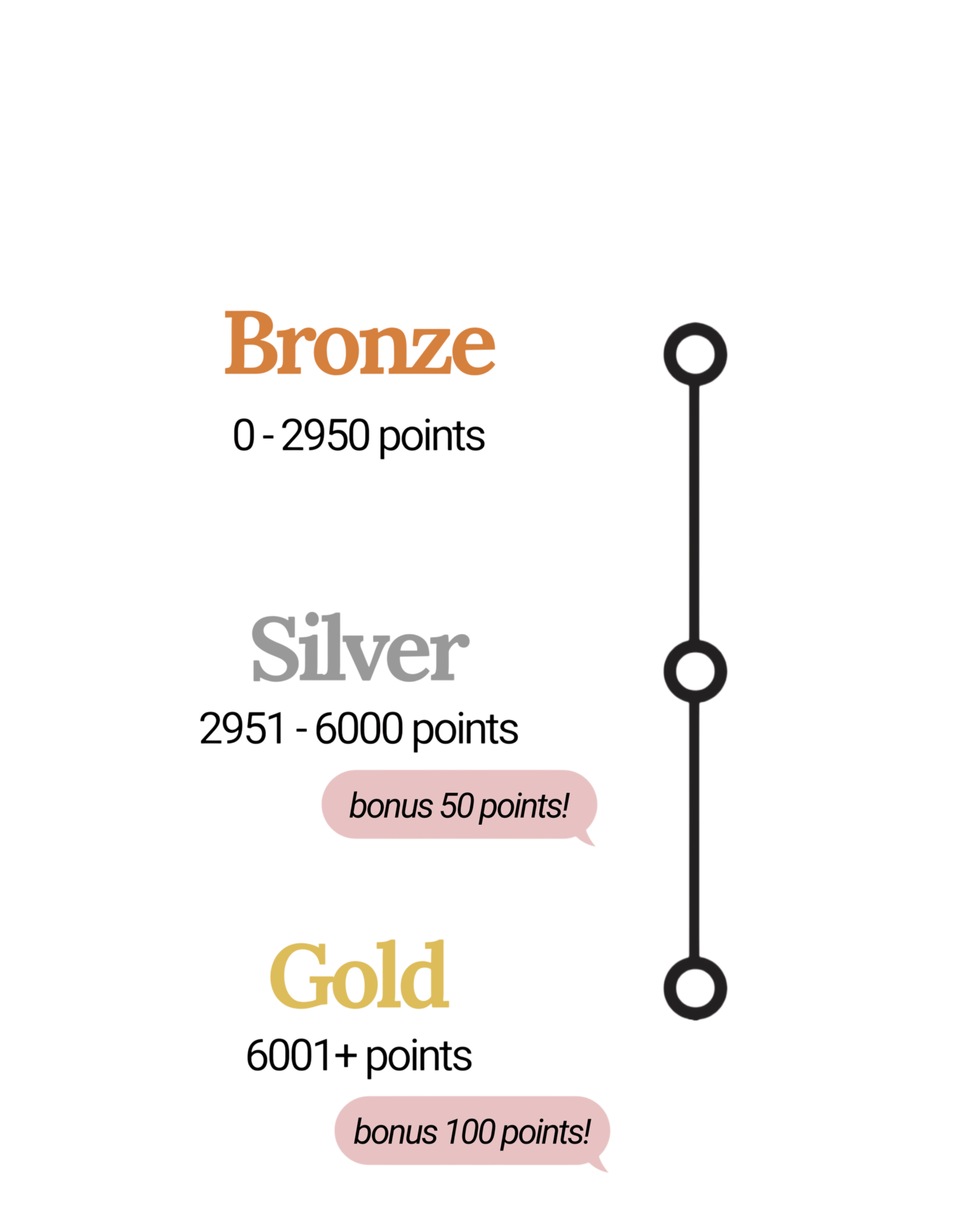
You will see your points & ways to get more points
BONUS: for extra points, add your birthday in the “account details” section
How do I claim my points?
Ensure you are logged in to your account. In the cart, there will be an area near the top that says your amount of points, their dollar value and a button that says "apply now"
Can I use a different email address?
No, points are connected to your email address. If you use a different email address, you will need to create a new profile & start over
Can I pay with a coupon code & points on the same order?
Coupon codes & points cannot be used in conjunction with each other
Do I get points on sale items?
Sale items earn half the amount of points that full priced items do